
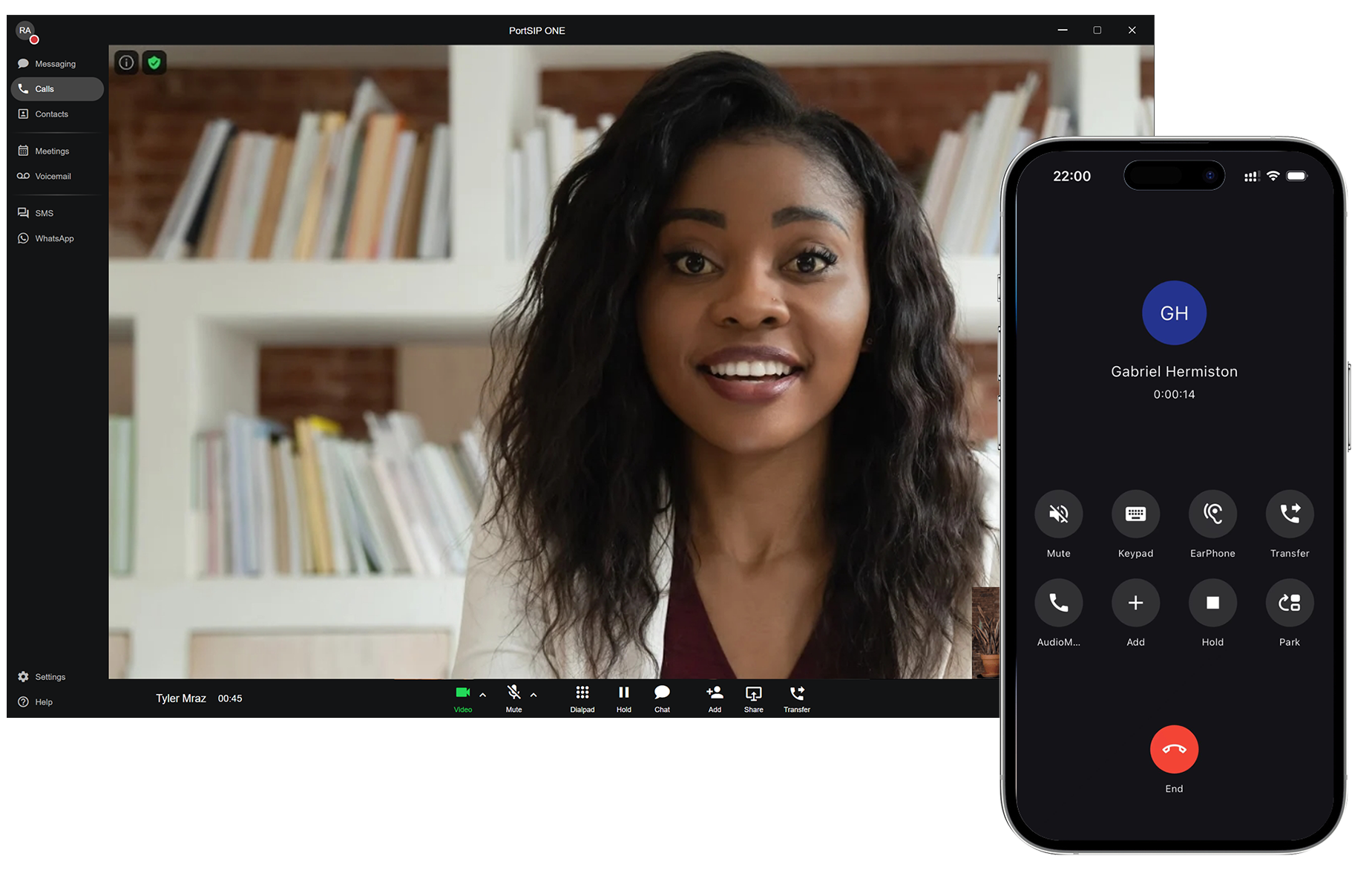
In today’s fast-paced business environment, ensuring consistent and error-free communication setups is crucial for smooth operations. That’s where the App Template feature from PortSIP PBX comes in, offering a streamlined, centralized way to configure and deploy the PortSIP ONE client across your entire organization.
With the App Template feature, Administrators can easily manage client configurations and enforce standardized settings, all through the convenience of a simple QR code login. Let’s take a closer look at how this feature can revolutionize the way you set up and manage your PortSIP ONE clients.
What Is the App Template Feature?
The App Template feature allows administrators to centrally control the configurations of the PortSIP ONE client when users log in by scanning a QR code. This means that instead of manually setting up each client device, administrators can define the configurations once and have them applied automatically every time a user logs in.
Whether you’re a small business or a large enterprise, App Templates ensure that everyone is using the right settings, reducing configuration errors, and ensuring a consistent experience for all users.
The Benefits of the App Template Feature
1. Centralized Management
Say goodbye to managing each client device individually. With App Templates, administrators can create and modify templates in one place, then apply them across the organization. It’s that simple!
2. Consistency Across the Organization
Standardize settings such as audio/video codecs, user interface preferences, and even sound effect options, ensuring that all users have the same experience no matter where they log in from.
3. Streamlined Onboarding
New employees or extensions? No problem! Simply provide them with a QR code, and their PortSIP ONE client will automatically configure itself with all the necessary settings. Onboarding has never been easier.
4. Reduced Support Overhead
With App Templates, all devices are set up consistently, which reduces the chances of user errors and makes troubleshooting faster. This means less time spent on support and more time spent on growing your business.
Key Features of App Templates
With the App Template feature, you can configure several important settings for your PortSIP ONE client:
-
UI View: Customize the app’s user interface by hiding unnecessary views, such as the SMS view.
-
Appearance: Choose your theme and preferred language for a personalized experience.
-
Sound Effects: Configure sound effect options like FEC and AEC (Acoustic Echo Cancellation) for optimal call quality.
-
Codecs: Select and enforce the use of specific audio and video codecs across your organization.
-
Screen Pop: Set up screen pop for incoming calls to streamline your workflow.
These are just a few of the many configurable parameters that help ensure your clients are always set up according to company policies and standards.
Easy Deployment at Two Levels
The beauty of the App Template feature is that it’s flexible. Templates can be applied at two levels:
-
Tenant (Company) Level: Set a default template for all new extensions within your organization.
-
Individual User Level: Override the default template for specific users, giving you complete control over who gets what settings.
This flexibility allows you to ensure that all employees get the right configurations for their role and function within the company.
Conclusion: The Future of Client Provisioning
PortSIP’s App Template feature is a game-changer for organizations looking to simplify client management. It empowers administrators to enforce consistent settings across all users while reducing manual configuration efforts. Whether you’re managing a few users or thousands, this feature makes client provisioning faster, easier, and more secure.
Ready to streamline your PortSIP ONE client setup? Start using App Templates today and enjoy a smoother, more efficient provisioning experience!
For the user guide, please refer to the article App Template.